
Music Remover Guides
Illustrated guides to voice separation, video soundtracks, supported files and temporary downloads.
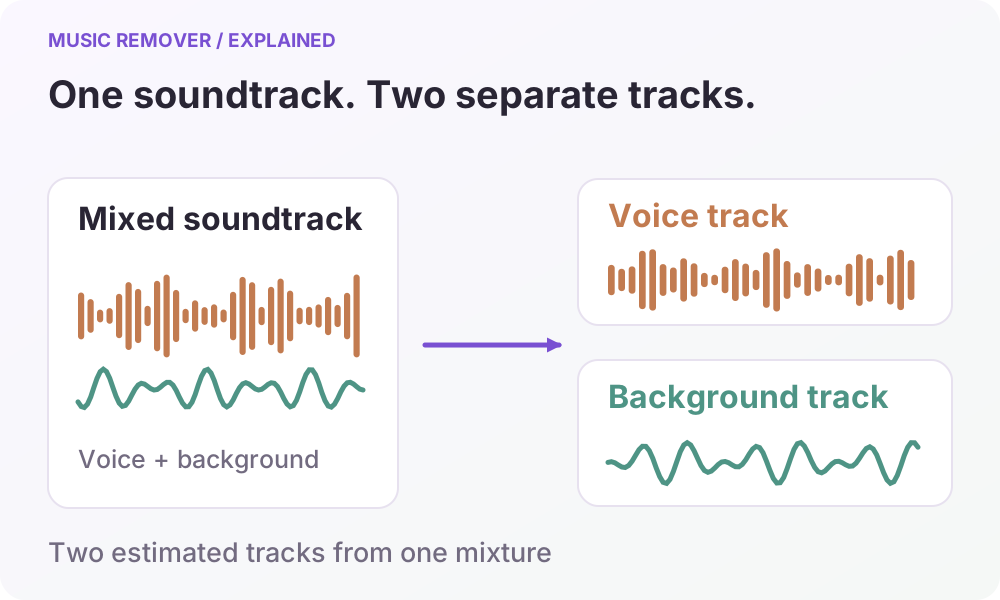
Remove Background Music From Interviews and Voiceovers
Prepare interview or narration audio for a new edit: choose a separation scene, check speech against the original, and download the tracks you need.
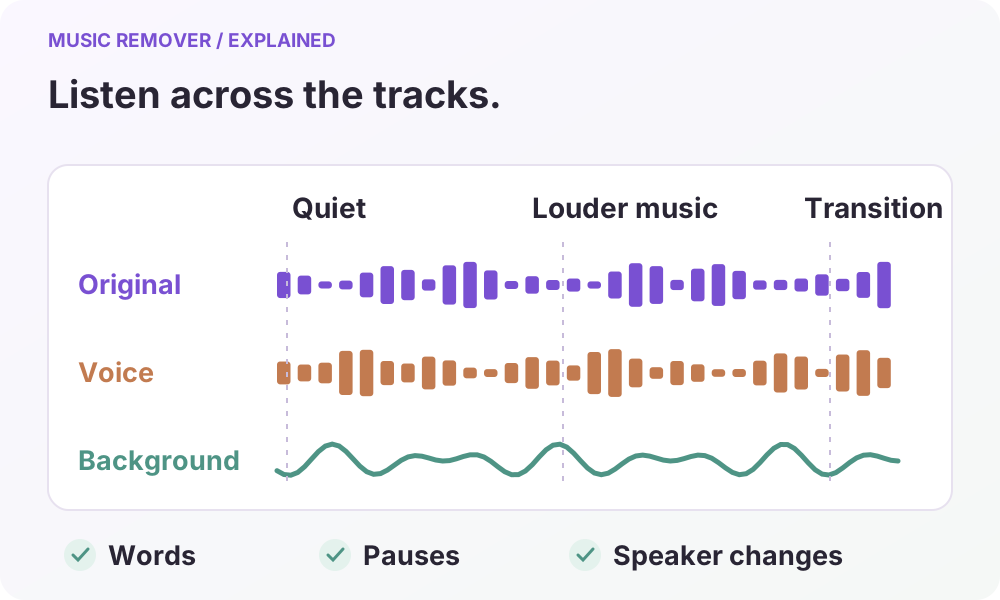
Prepare Audio for Transcription and Video Subtitles
Separate speech from background music before using an external transcription or caption tool, then check wording and subtitle timing against the source video.
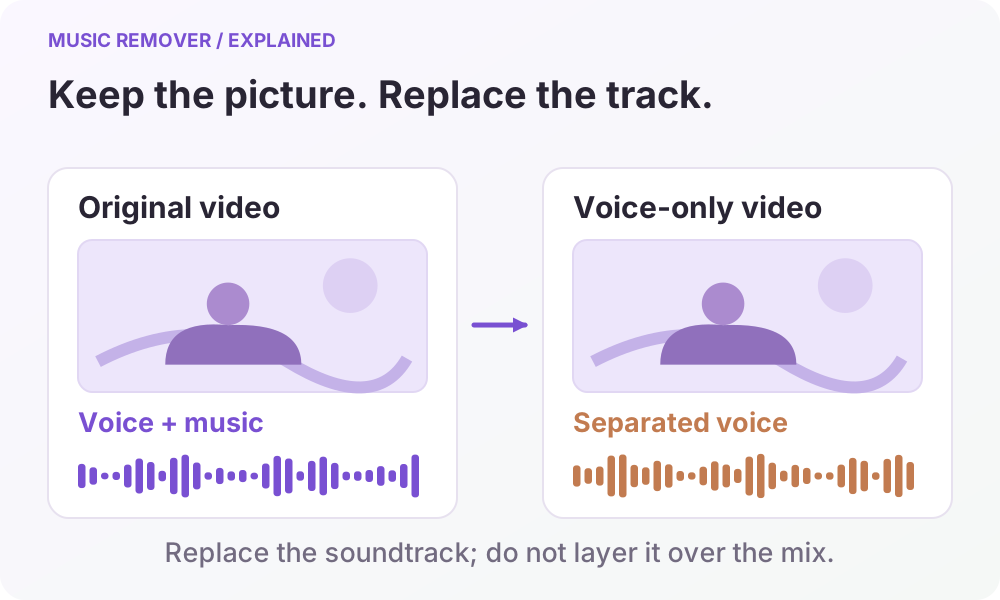
Prepare Video Audio for Translation and Dubbing
Separate a source video into usable audio tracks, prepare a checked script in another tool, and rebuild the soundtrack for a translated or dubbed edit.
Remove Music From Video and Keep the Voice
Remove music from video without muting the speaker. Separate voice and background audio, preview both tracks, and download audio or a remixed video.
Remove Music From Audio While Keeping Speech
Remove music from audio recordings, interviews and voiceovers. Separate voice and background, compare both tracks, and choose an audio-only download.
How to Remove Music From a Video: A Step-by-Step Guide
Learn how to remove music from a video, keep dialogue, compare voice and background tracks, adjust the mix and save the audio or finished video.
How to Remove Background Music From Video
Learn how voice and background audio are separated, choose the result you need, and review the limits before removing music from a video.
Replace Video Background Music With Voice Only
Understand how voice-only video export replaces the soundtrack, why the result is MP4, and what to check before using the finished video.
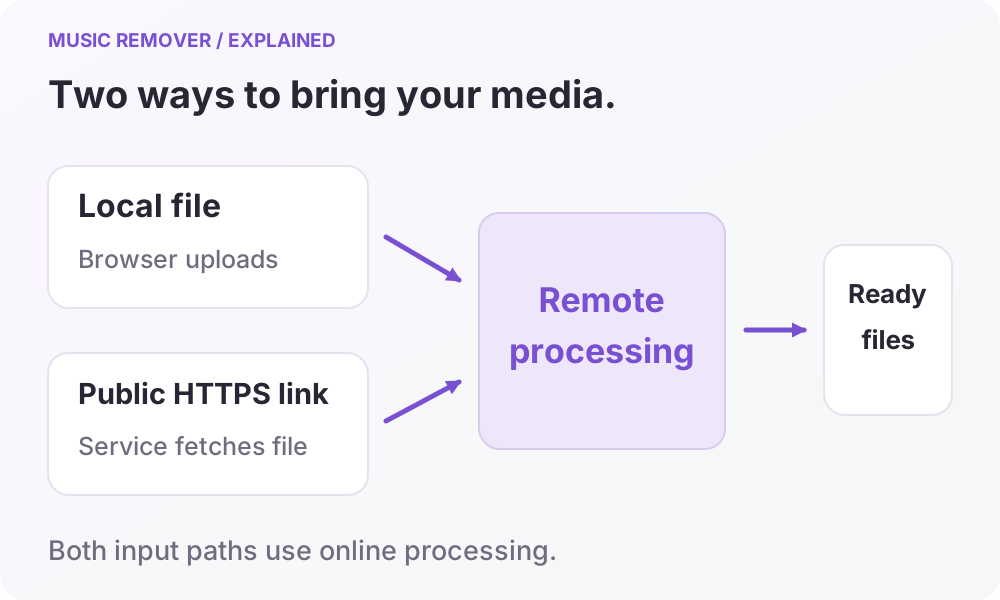
Upload Formats and File Handling in Music Remover
Check supported formats, the 100 MiB upload limit, direct-link requirements, and temporary file handling before starting a music-removal task.